Skip to Content
distantlately.
Gallery
About
Shop
Blog
Contact
0
0
distantlately.
Gallery
About
Shop
Blog
Contact
0
0
Gallery
About
Shop
Blog
Contact
Shop › The Photo Border & Frame Toolkit - Instant Photoshop Actions
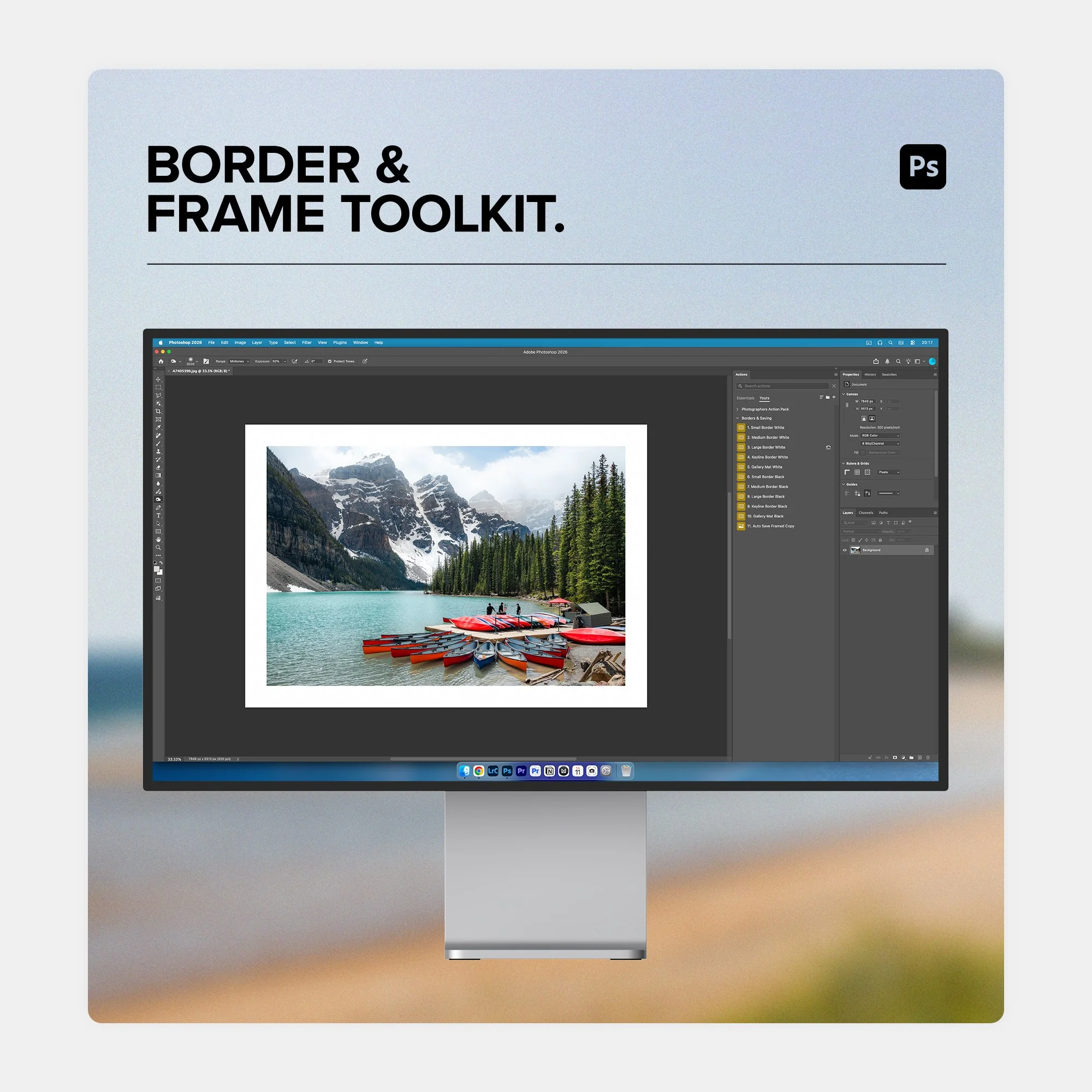
Photo border toolkit photoshop actions smart white borders for photographers.jpg Image 1 of 6
Photo border toolkit photoshop actions smart white borders for photographers.jpg
How to add proportional white border in photoshop without cropping image.jpg Image 2 of 6
How to add proportional white border in photoshop without cropping image.jpg
how to add white borders to photos in photoshop without changing resolution.jpg Image 3 of 6
how to add white borders to photos in photoshop without changing resolution.jpg
gallery ready white photo borders for fine art and landscape photography.jpg Image 4 of 6
gallery ready white photo borders for fine art and landscape photography.jpg
digital photo framing toolkit for portrait and documentary photographers.jpg Image 5 of 6
digital photo framing toolkit for portrait and documentary photographers.jpg
ine art gallery mat border photoshop script black keyline frame.jpg Image 6 of 6
ine art gallery mat border photoshop script black keyline frame.jpg
Photo border toolkit photoshop actions smart white borders for photographers.jpg
How to add proportional white border in photoshop without cropping image.jpg
how to add white borders to photos in photoshop without changing resolution.jpg
gallery ready white photo borders for fine art and landscape photography.jpg
digital photo framing toolkit for portrait and documentary photographers.jpg
ine art gallery mat border photoshop script black keyline frame.jpg

The Photo Border & Frame Toolkit - Instant Photoshop Actions

£15.00

Give Your Work The Professional Touch with The Photo Border Toolkit for Photoshop

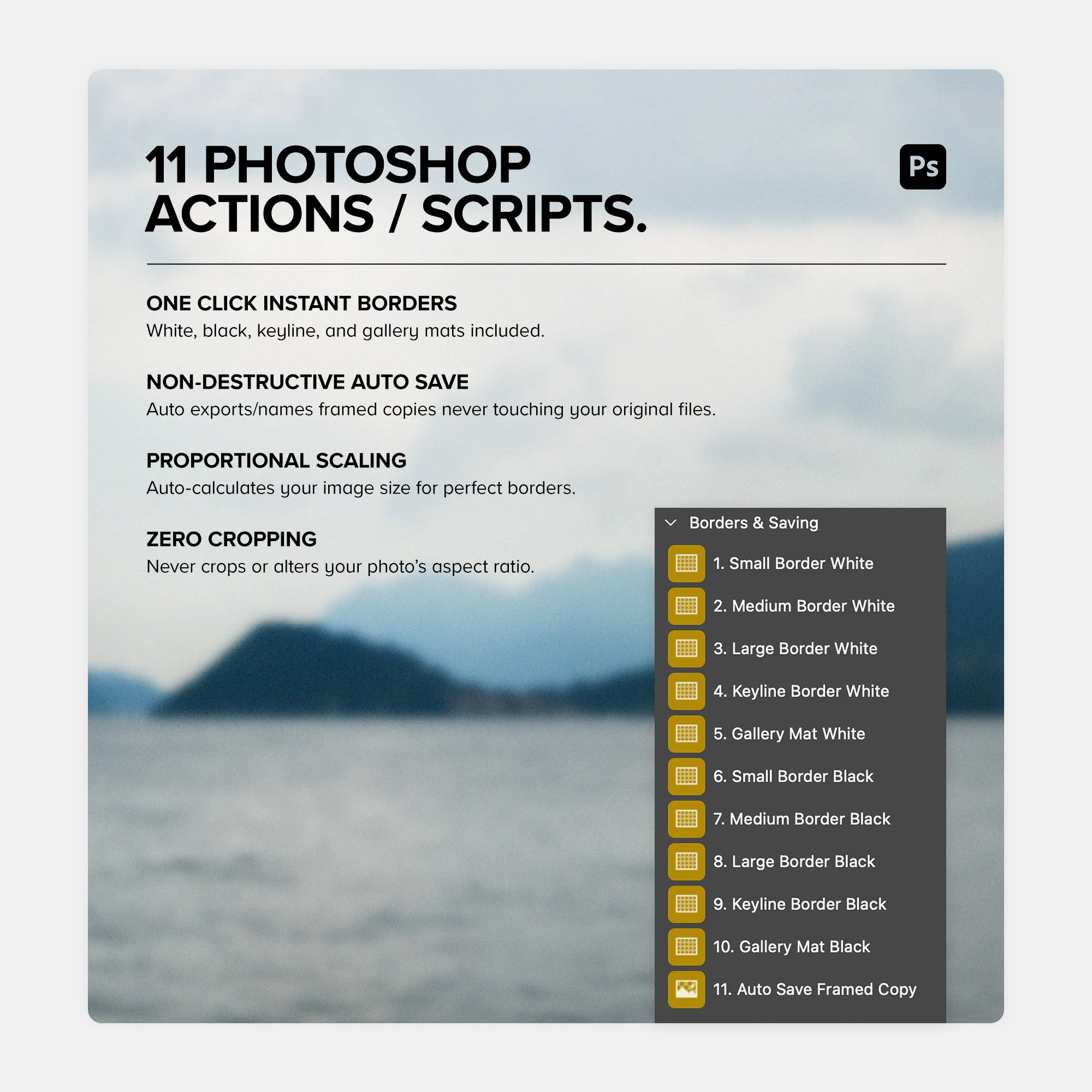
The Photo Border Toolkit is a premium collection of Photoshop actions and scripts built specifically for photographers, fine art printers, and digital creators who want clean, gallery-ready presentation instantly.

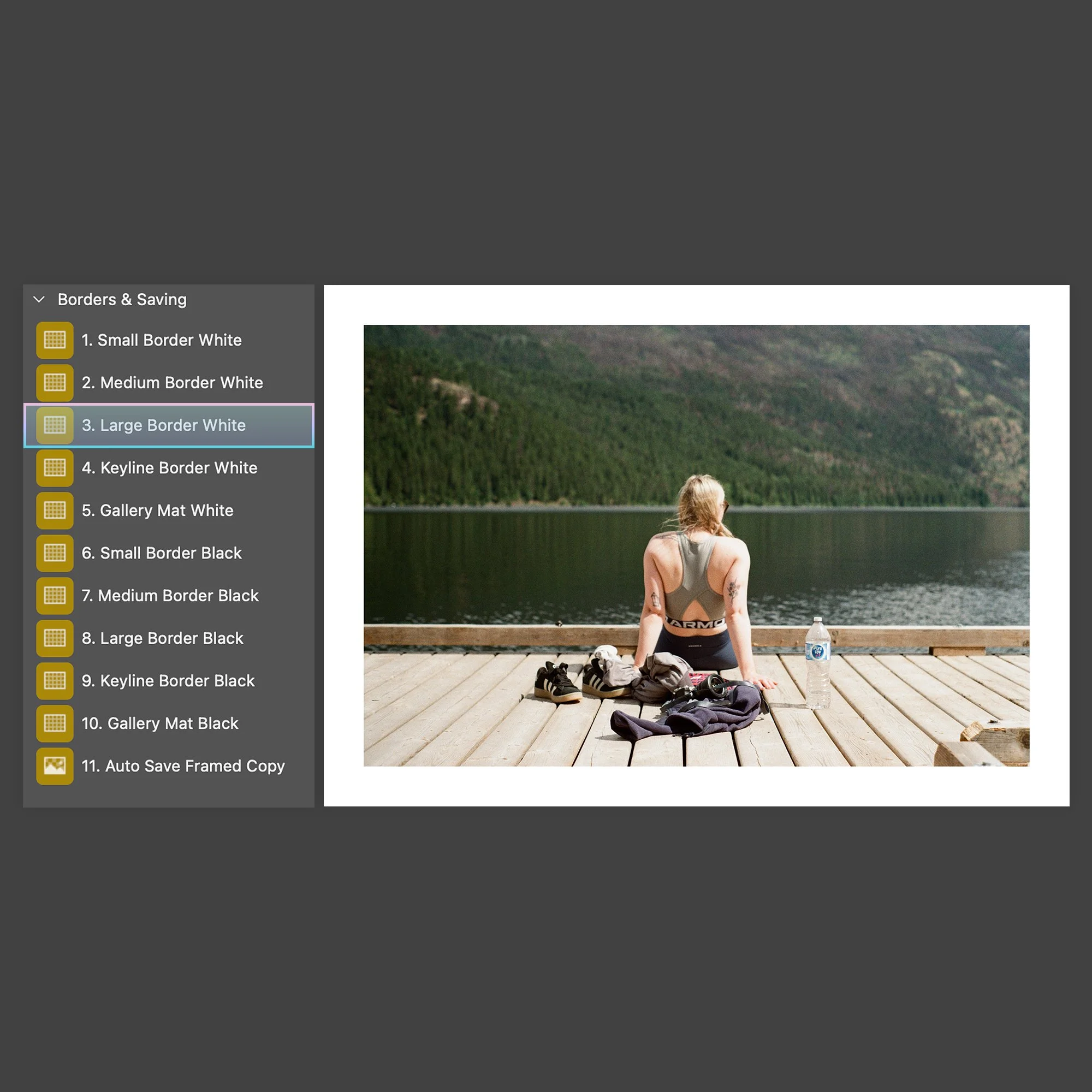
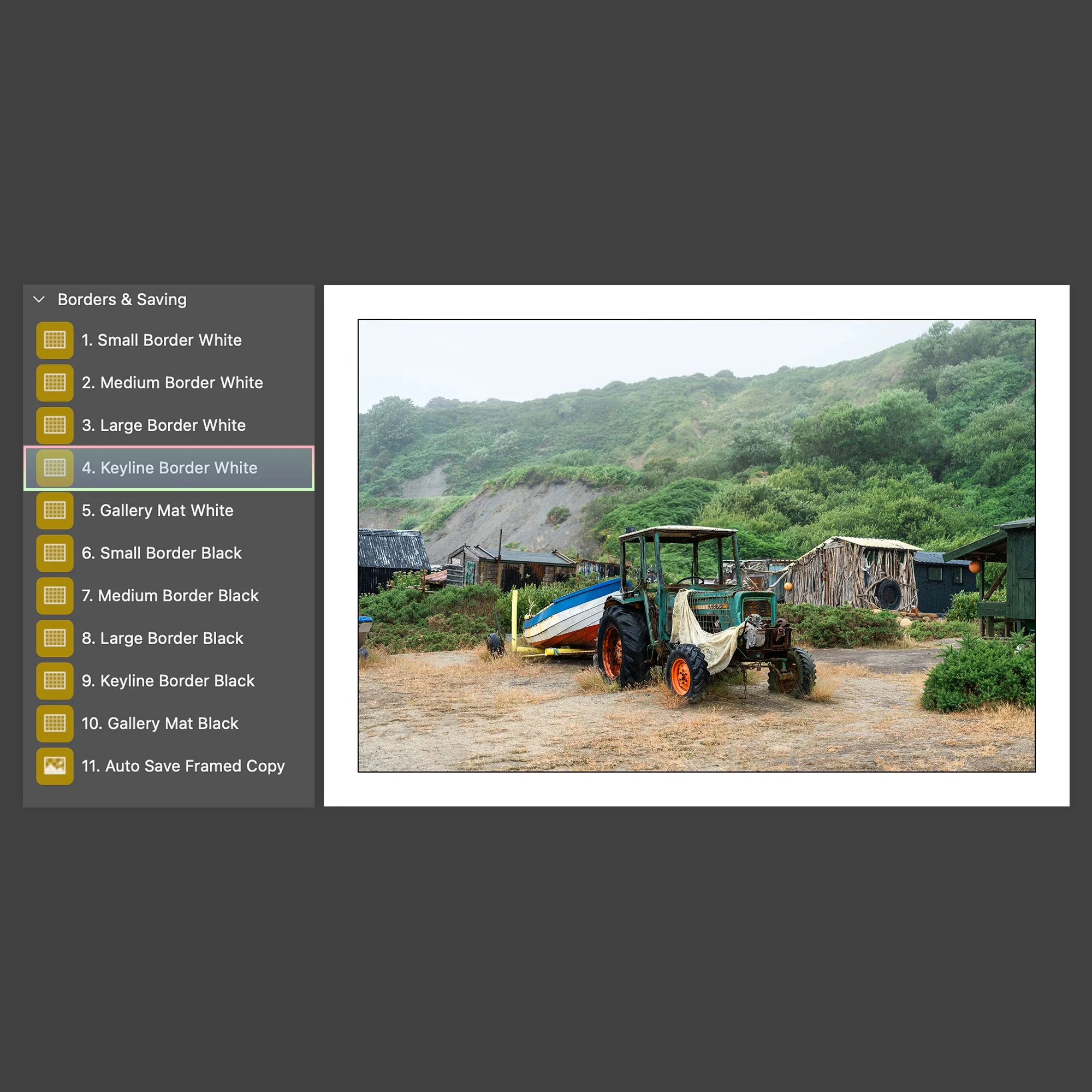
Unlike basic Photoshop actions that add fixed pixel borders, these scripts calculate your photo dimensions so your white, black, keyline, and fine art gallery mat borders maintain exact visual proportions every single time.

True one-click execution with complete peace of mind. The included auto-save button automatically generates new, named and numbered JPEGs ensuring your original files are never saved over, no matter how many border styles you export.

  • 10 Proportional Border Actions/Scripts for Adobe Photoshop

  • 1 Smart Auto-Save & Numbering Action/Script

  • Includes White, Black, Keyline, and Fine Art Gallery Mats

  • Proportional Scaling across all camera sizes and resolutions

  • Non-Destructive workflow and zero cropping or aspect ratio changes

Give Your Work The Professional Touch with The Photo Border Toolkit for Photoshop

The Photo Border Toolkit is a premium collection of Photoshop actions and scripts built specifically for photographers, fine art printers, and digital creators who want clean, gallery-ready presentation instantly.

Unlike basic Photoshop actions that add fixed pixel borders, these scripts calculate your photo dimensions so your white, black, keyline, and fine art gallery mat borders maintain exact visual proportions every single time.

True one-click execution with complete peace of mind. The included auto-save button automatically generates new, named and numbered JPEGs ensuring your original files are never saved over, no matter how many border styles you export.

  • 10 Proportional Border Actions/Scripts for Adobe Photoshop

  • 1 Smart Auto-Save & Numbering Action/Script

  • Includes White, Black, Keyline, and Fine Art Gallery Mats

  • Proportional Scaling across all camera sizes and resolutions

  • Non-Destructive workflow and zero cropping or aspect ratio changes

    • 10 Proportional Border Actions/Scripts for Adobe Photoshop CC
      - Classic white border (small)
      - Classic white border (medium)
      - Classic white border (large)
      - Keyline border white
      - Gallery mat border white
      - Classic black border (small)
      - Classic black border (medium)
      - Classic black border (large)
      - Keyline border black
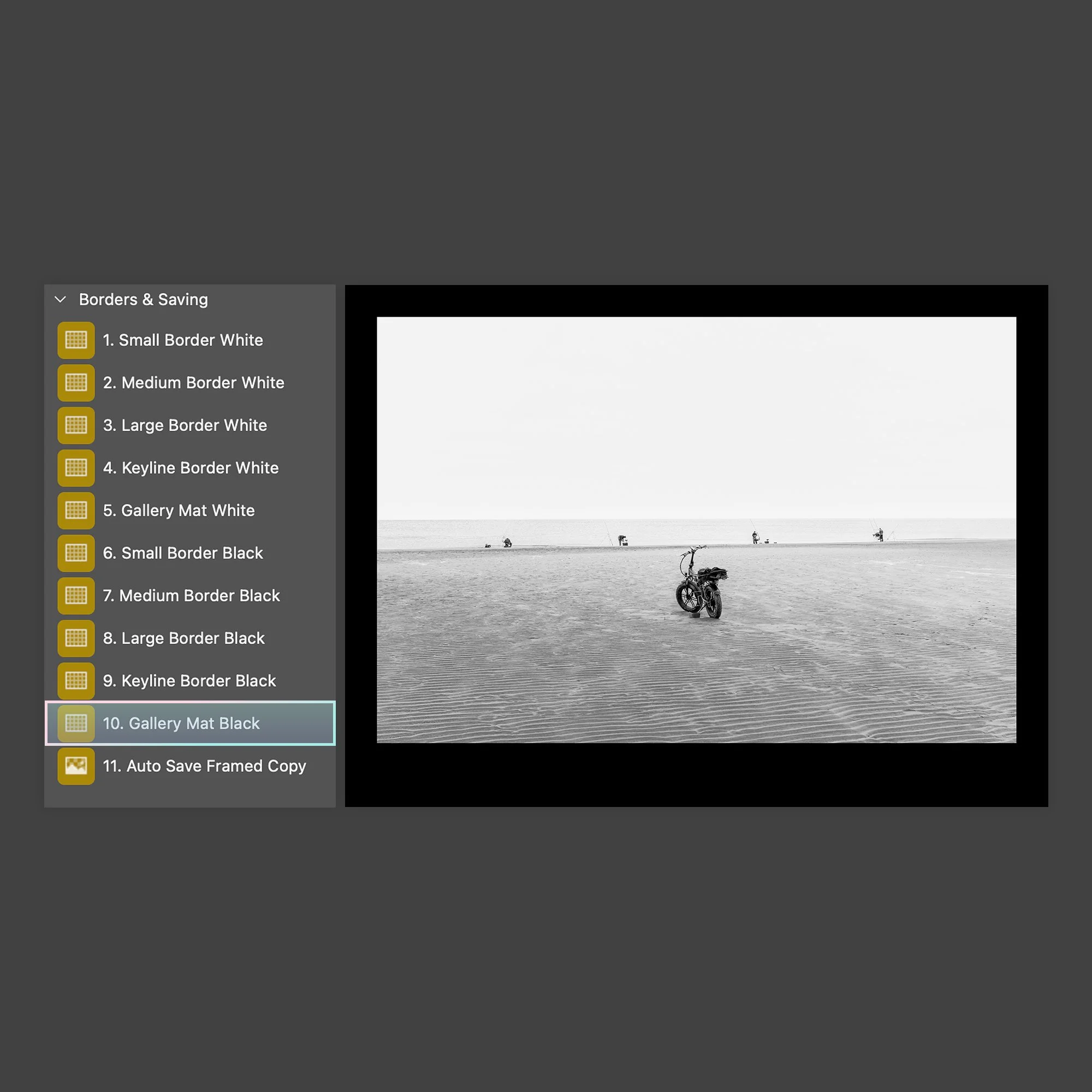
      - Gallery mat border black

    • 1 Smart Auto-Save & Numbering Script for 1-click exporting
      - Auto Save Framed Copy

    • Full installation instructions included
      - Step by step PDF guide including screenshots and extra information

    • License and unlimited access
      - PDF License agreement included

  • Does this work with any version of Photoshop?
    The Photo Border Toolkit is fully compatible with Adobe Photoshop CC (full desktop application) on both Mac and Windows operating systems.

    Will the border size change if I use a small web image versus a full-resolution RAW file?
    No. Unlike basic Photoshop actions that apply a fixed pixel width, these intelligent scripts read your image's actual pixel dimensions. Your white, black, keyline, and gallery mat borders will maintain exact visual proportions whether you are framing a 2,000-pixel web export or a 60-megapixel print file.

    Will applying a border crop or cut into my original photo?
    Not at all. 100% of your composition, framing, and aspect ratio remain completely untouched.

    How does the Auto-Save work? Is my original file safe?
    Your original master file is completely safe. The Auto-Save function creates a flattened, newly framed JPEG copy in the same folder as your source file with ‘‘_framed’’ added to the filename. If you run it again with a different border style, it automatically numbers future versions (e.g., framed_2.jpg) so nothing is ever overwritten.

    Can I use these actions to batch process an entire folder of photos?
    You can run them through Photoshop’s built-in Batch or Image Processor tools to apply borders and export framed copies for hundreds of photos in a few clicks.

    What styles of photo borders are included in the pack?
    The toolkit includes 10 proportional border styles covering classic minimal white borders (Small, Medium, Large), high-contrast black frames (Small, Medium, Large), fine art black keylines with white matting, and wide museum gallery mats. You also get the dedicated 1-click Auto-Save utility script.

    Do these actions work on cropped or vertical/portrait images?
    Yes, they calculate the longest side of any photo, so they work seamlessly on portrait, landscape, square, or custom cropped aspect ratios without distorting the frame.

    Is installation difficult / using them difficult?
    Even if you have never used a Photoshop action in your life, these are extremely easy to set up, and even easier to use. Full step by step instructions are included with screenshots and it only takes a few minutes to have them up and running.

  • Digital download links are sent via email after purchase, links last for 24 hours. Please check your junk folder if your link is missing.

    Because digital downloads are delivered instantly and cannot be physically returned, refunds are not available for digital products, if you have any problems with your purchase please get in touch via the contact page.

distantlately.com | distantlately.

The online home of English photographer Greg Howard.

hello@distantlately.com


Navigate

Policies

Home
About
Shop
Blog
Contact

Privacy Policy
Terms and Conditions
Shipping and Returns